
NekoCAD✨ Sparkle Edition ✨
The same parametric CAD in a bright pink look, with Glitterpaws the cat beside your work.
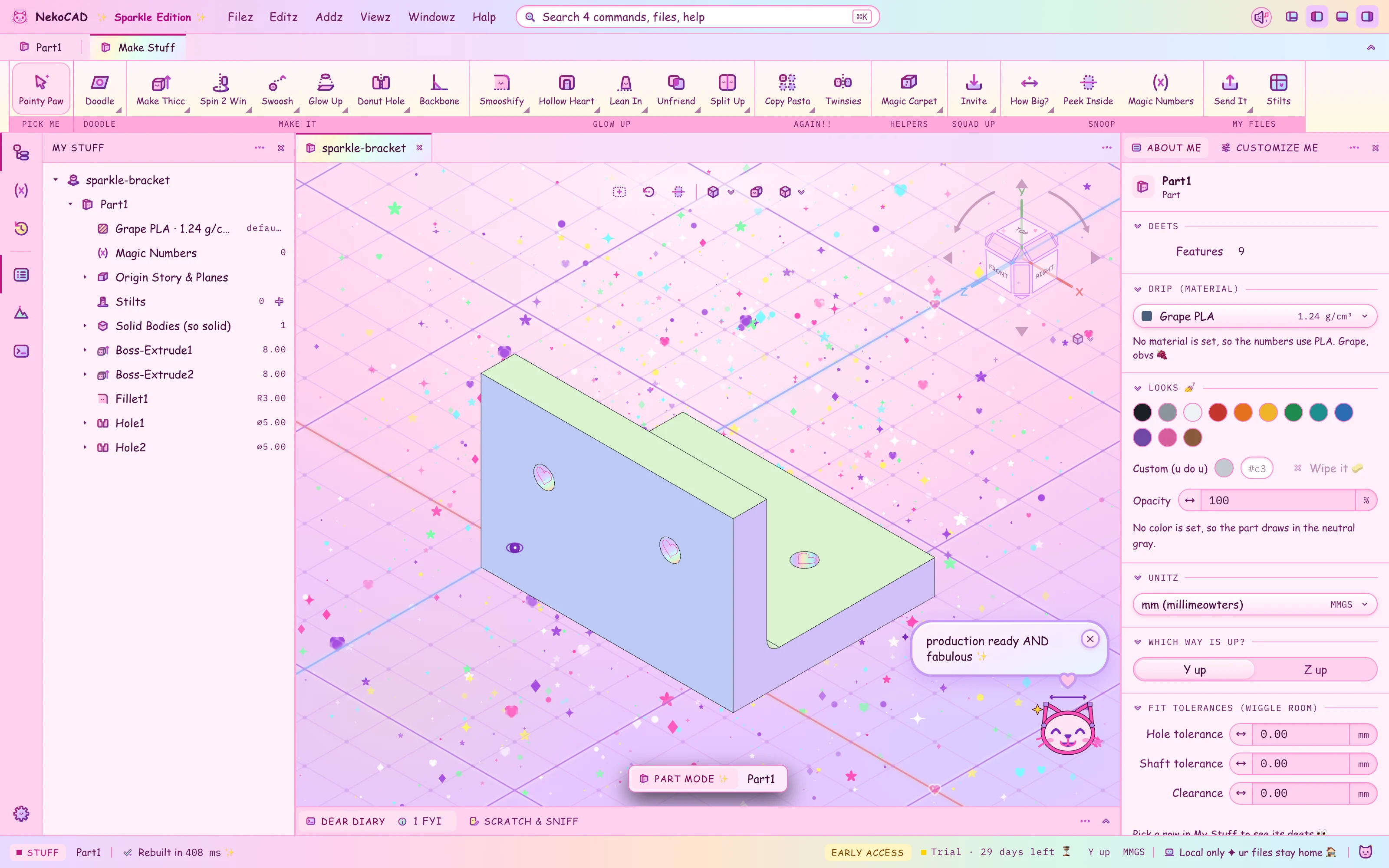
See it turn on
The Konami code, the Sparkle names, and a STEP export, in 22 seconds.
A click loads the video from YouTube.
Yes, it's real ✦
The skin changes the names and the colors. The kernel, the geometry, and the STEP export do not change.
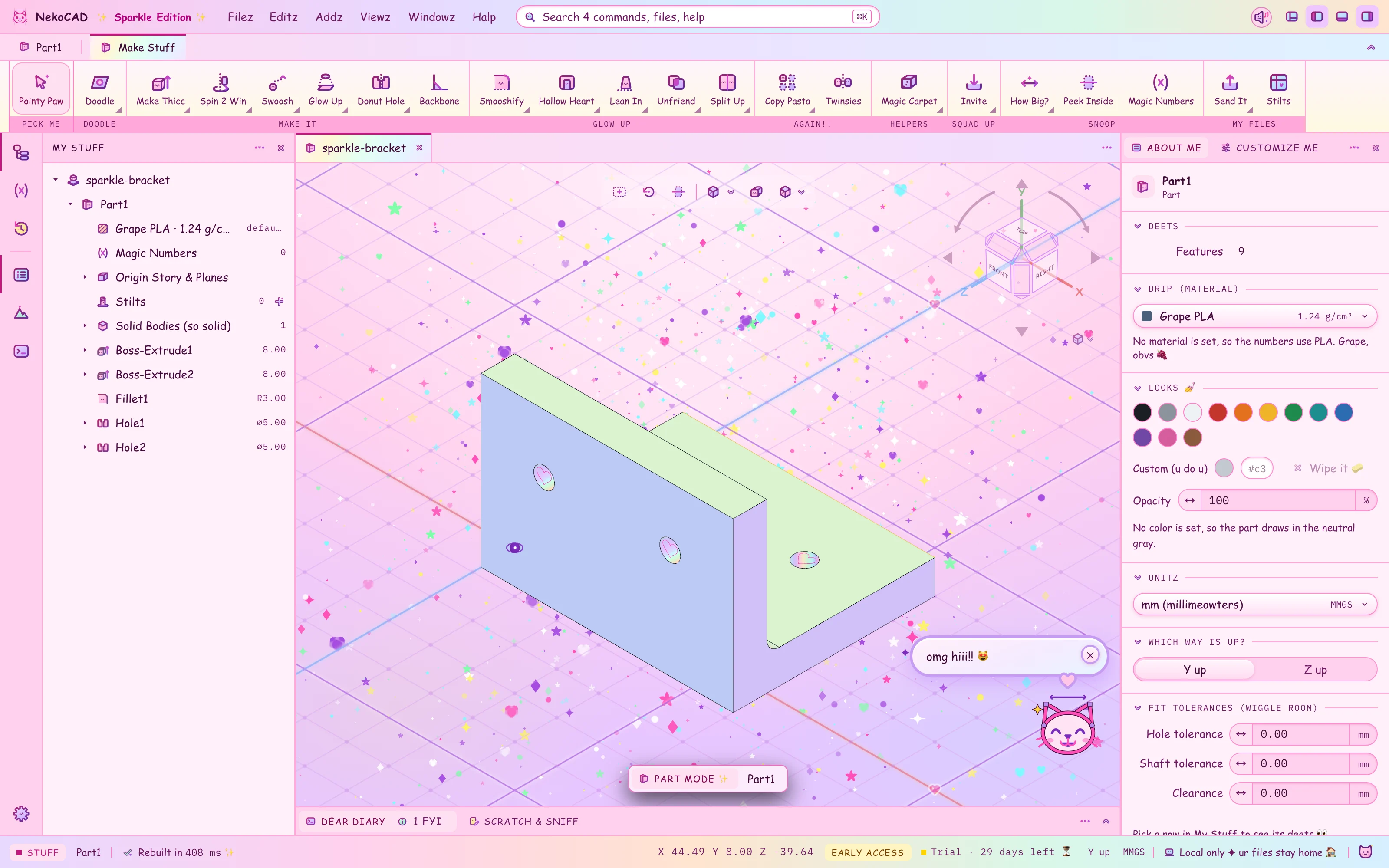
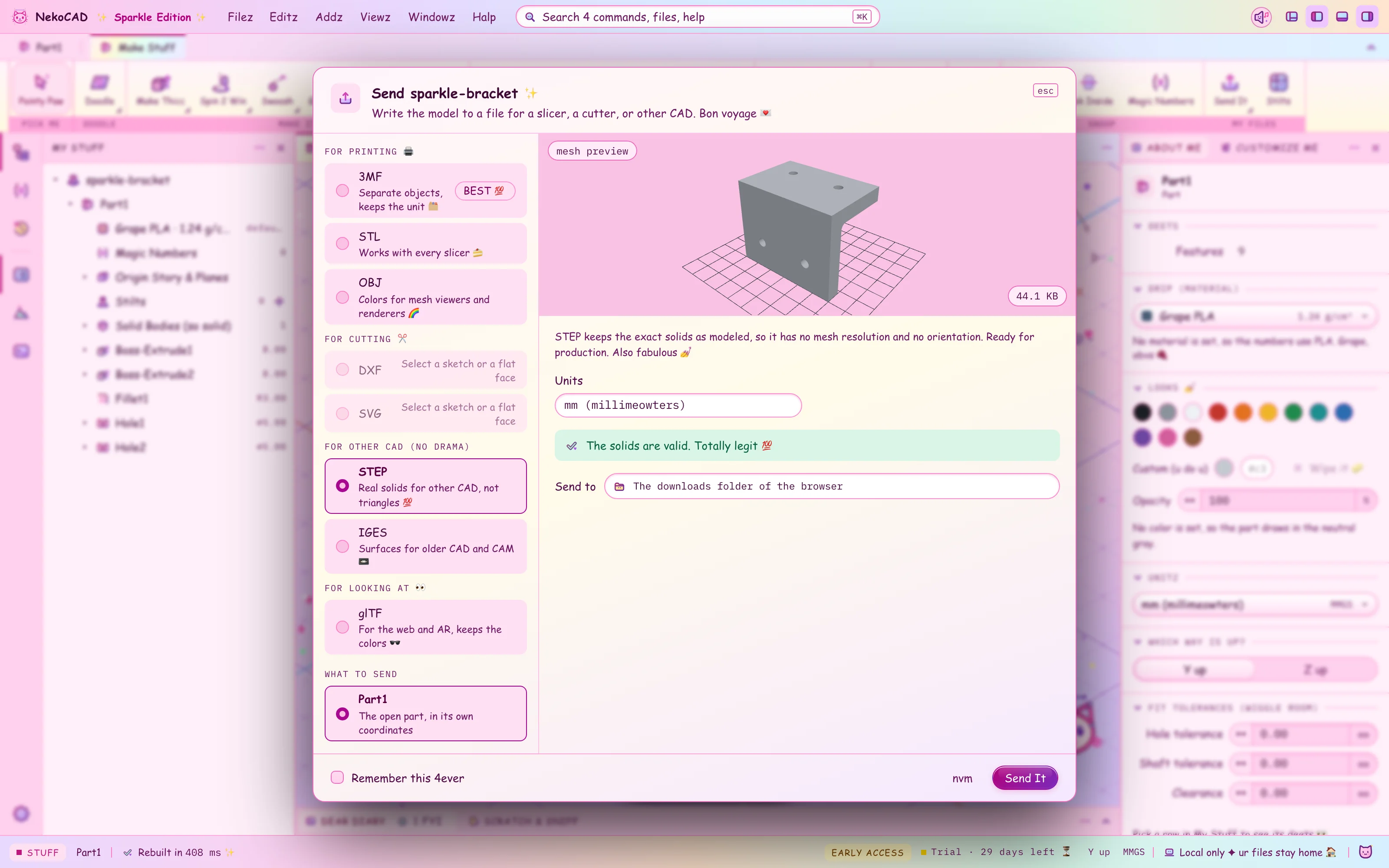
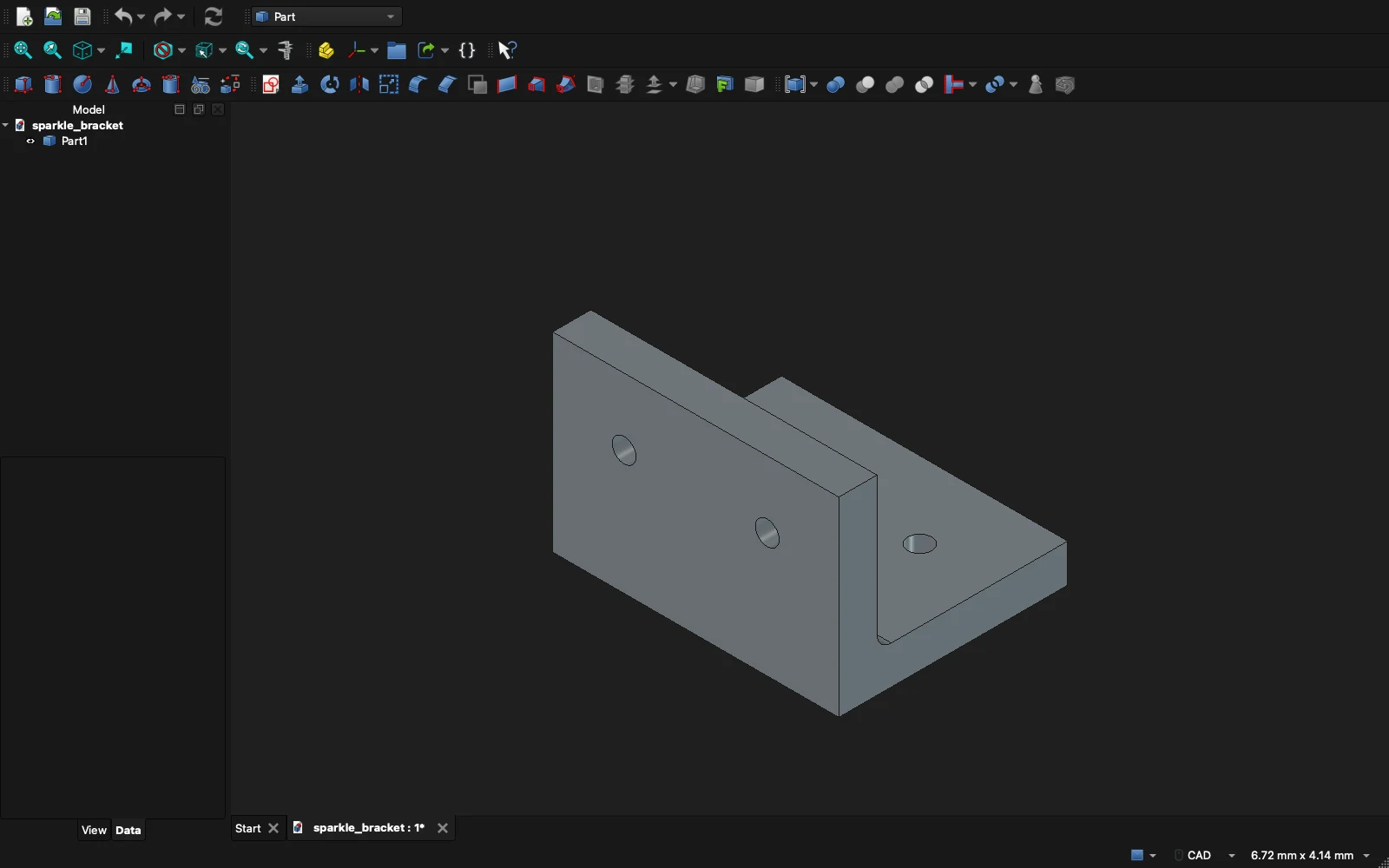
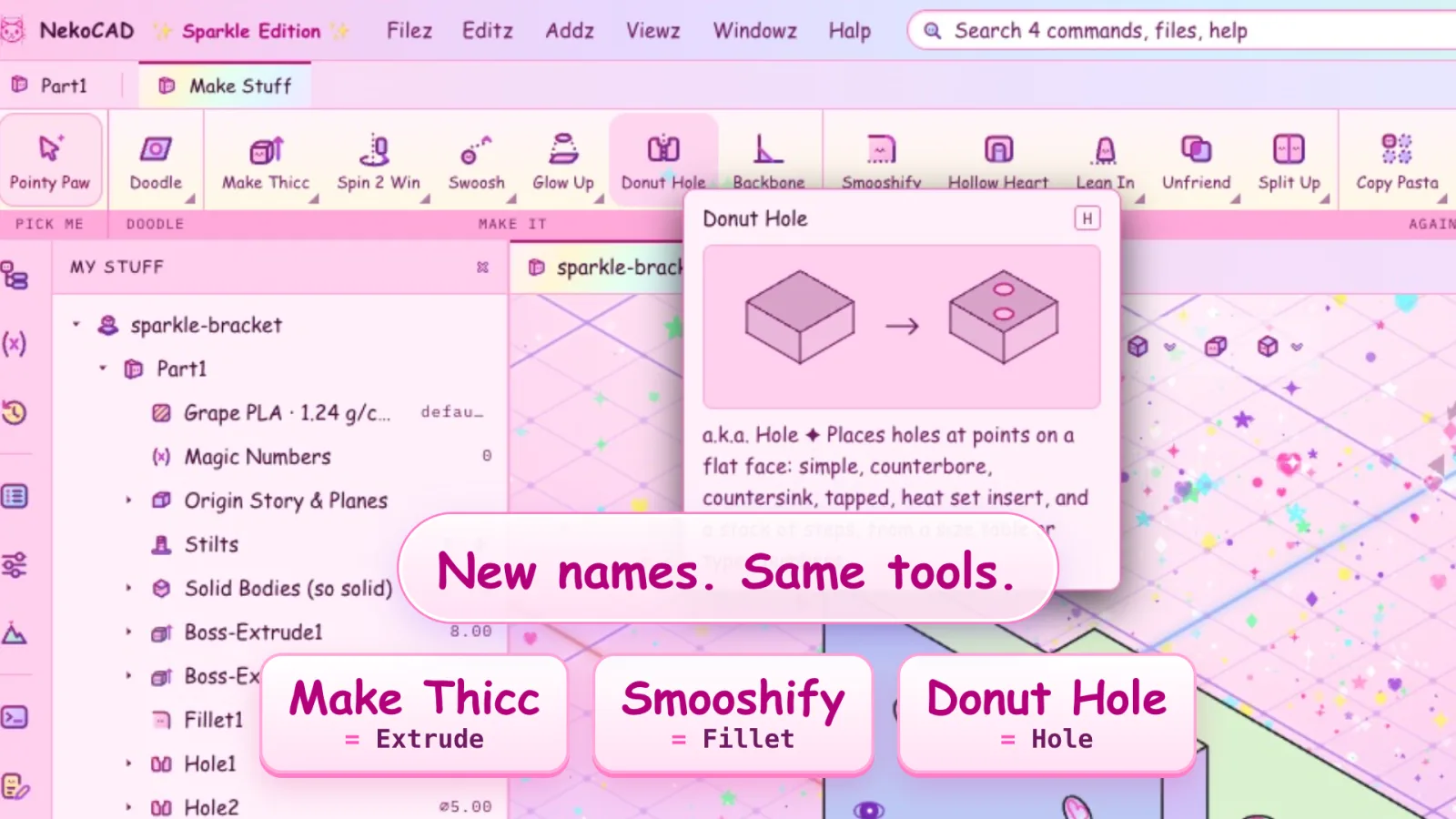
Same geometry. Same STEP file.
What it's called, and what it is
Every tool, menu, and undo step has a Sparkle name. Each tooltip starts with the real name, so a tutorial still makes sense.
Glitterpaws says
Glitterpaws is the NekoCAD cat in its Sparkle look. It talks about ur work. It can be muted, and so can its voice.
Get NekoCAD before the launch
Sparkle is in every copy. Two ways in.
Request early access
- Tell us what you make. A few short questions. Two minutes.
- Confirm your email. Your request joins the queue when you click the link.
- A person reads it. We pick testers who will use the builds and tell us what breaks.
- Get your invite. It opens your account, the builds, and the Early Access role on Discord.
Join the waitlist
One email to confirm, then news when NekoCAD ships. Unsubscribe from any email.
Questions
Short answers about the skin.
Is this a real CAD program?
Yes. It is NekoCAD with a different skin. The kernel, the geometry, and the STEP export do not change. Only the names and the colors do.
How do I turn it on?
Settings, Theme, Sparkle. Or press ↑ ↑ ↓ ↓ ← → ← → B A anywhere in the app.
Can I turn it off?
Yes. Settings, Theme, Dark. Your files and your settings stay as they are.
Can I turn off the sound?
One speaker button stops every sound, and the app remembers it. The skin also makes no sound when it turns on, because a sound you didn't cause has no place in a CAD program.
Do the error messages still make sense?
Yes. Glitterpaws adds a line. The real cause of the error stays below it, word for word.
Are the holes really hearts?
The holes are round. The display is hearts. Measure one. It is round.
Will my files open with the skin off?
Yes. The skin does not change the file. A part you save in Sparkle opens in Dark with no glitter on it.
Does it cost extra?
No. It is in every copy of NekoCAD.
Under the pink, it is the full NekoCAD.
Tweak the part, and the resin or FDM supports move with it. No supporting it all again in the slicer. Sketches, features, assemblies, drawings, and STEP export, on Windows, macOS, and Linux.