A Gridfinity bin with dividers
Columns and rows of compartments, on the 42 mm grid. Change the counts in Customize, and the bin follows.
The templates below ship in the app, and the parts are demo files that its tests build. We rebuilt each one with the same kernel the app uses, and your browser is drawing the triangles that came out. Nothing here was drawn to flatter it.
Each template opens as a project driven by variables. Change a number in Customize, and the whole part follows. The die above and these six are from the Gridfinity, Board cases, Knobs, Dice, Boxes, and Gears folders.
Columns and rows of compartments, on the 42 mm grid. Change the counts in Customize, and the bin follows.
A case and its lid, with cutouts for the USB, the network, the HDMI, and the power.
The grooves are one cut in a circular pattern, and the nut pocket on the back holds a hex nut.
One print, and no hardware. The two halves print open and flat, and the thin strip between them bends.
The DevKit has no mounting holes, so it sits on two rails between its pins.
Change the teeth of the gear or the pinion, or the module, in Customize, and the two still mesh with no overlap.
Threads that are geometry, patterns that fill a face, joints that drive each other, and a part split to fit the bed.
Joints and couplings: turn one gear in the app and the other turns at the ratio, the pinion drives the rack, and the screw drives the nut.
The Stud tool cuts the thread as geometry, so it prints and it measures. Turn it and look down the helix.
One hole, then a fill pattern that spaces the rest across the face. Change the plate and they follow.
Too long for the printer? Split it, and NekoCAD adds pegs and holes so the halves line up when you glue them.
The hole tool with a countersink, on a sketch of points, driven by the diameter in the feature tree.
A concentric mate and a coincident mate hold the arm on the pin and leave it one degree of freedom. That is the swing you are watching.
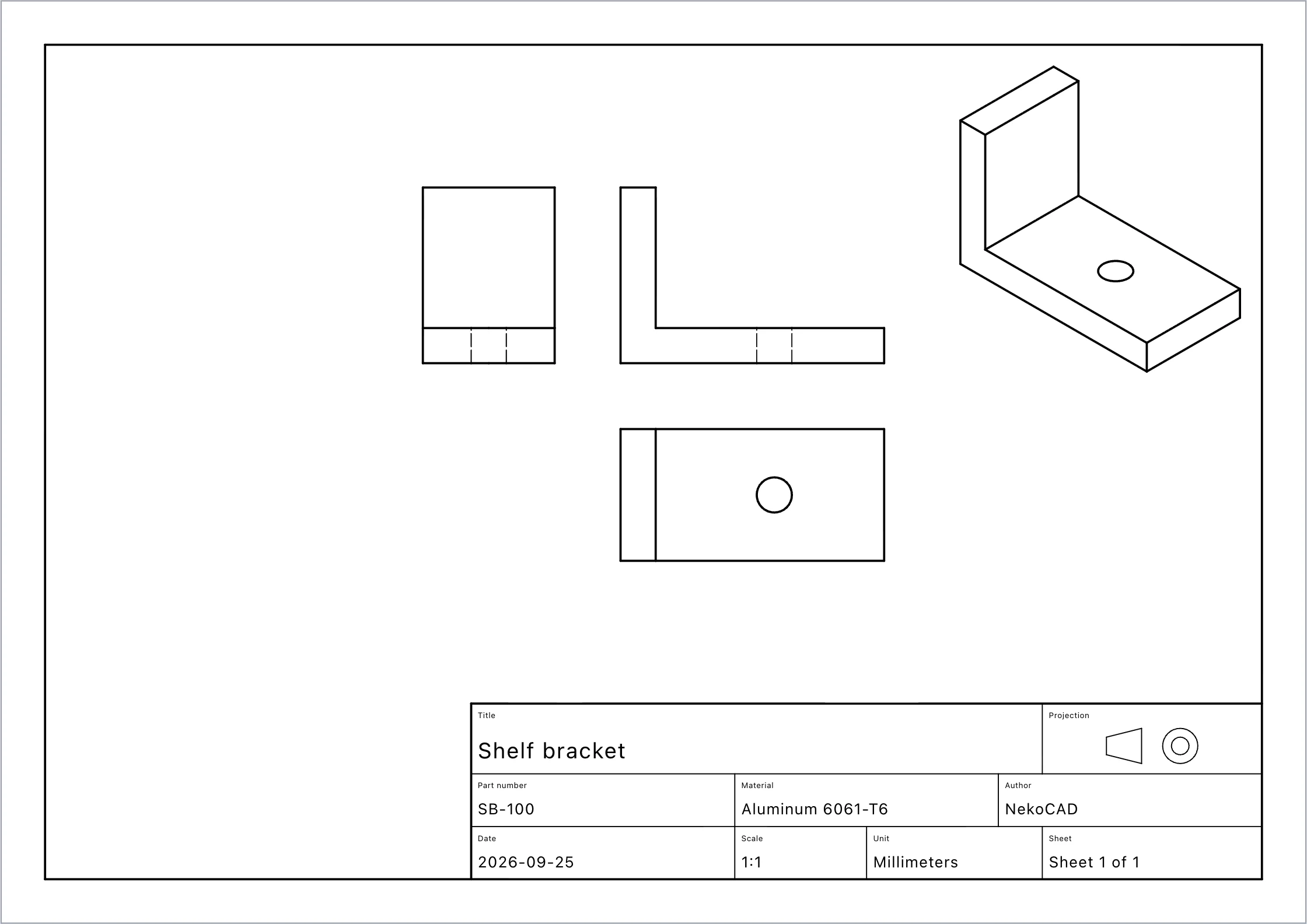
An aluminum shelf bracket on A4, with three views, an isometric, and a title block that filled itself from the part. Export it as PDF or DXF, or print it.
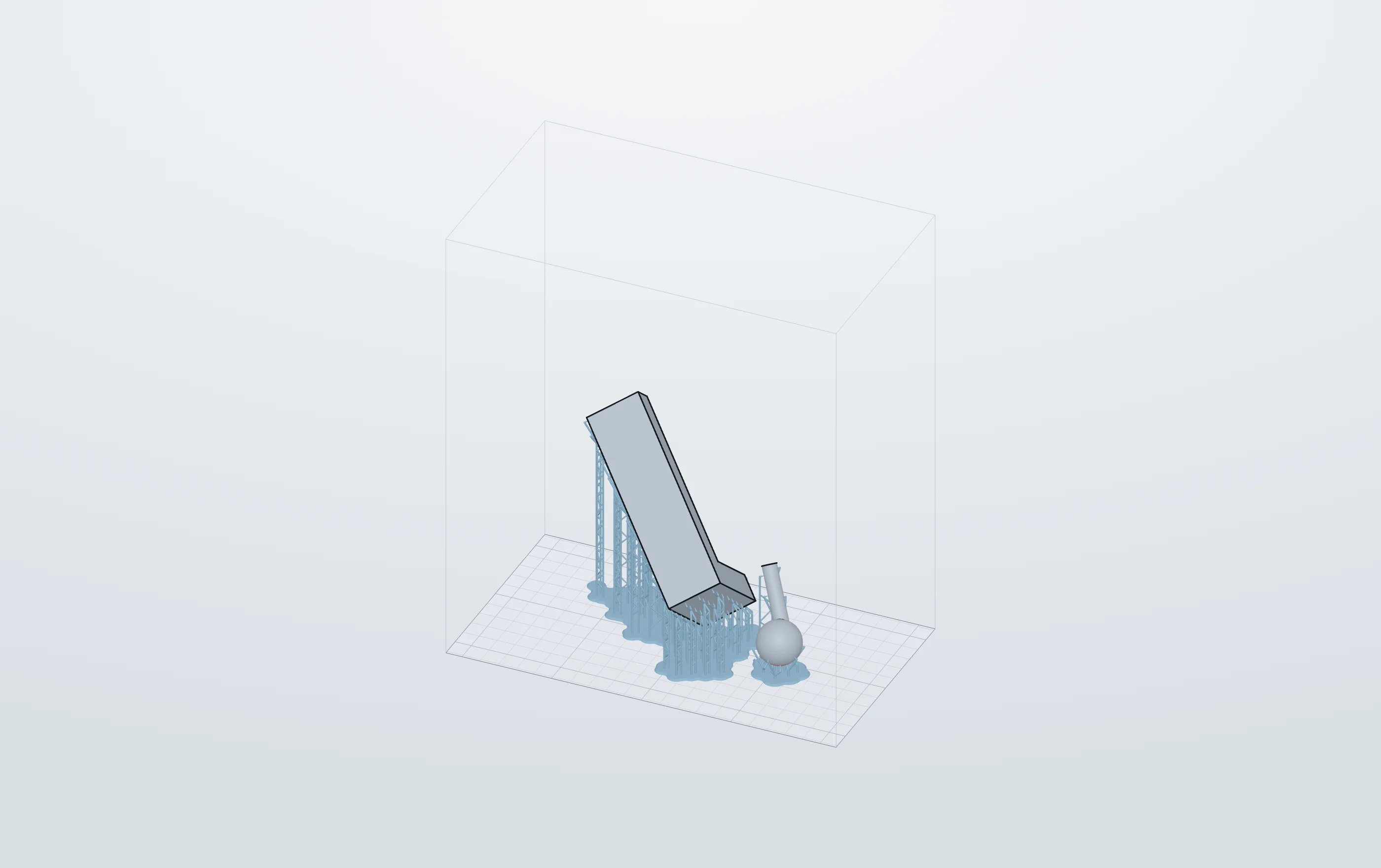
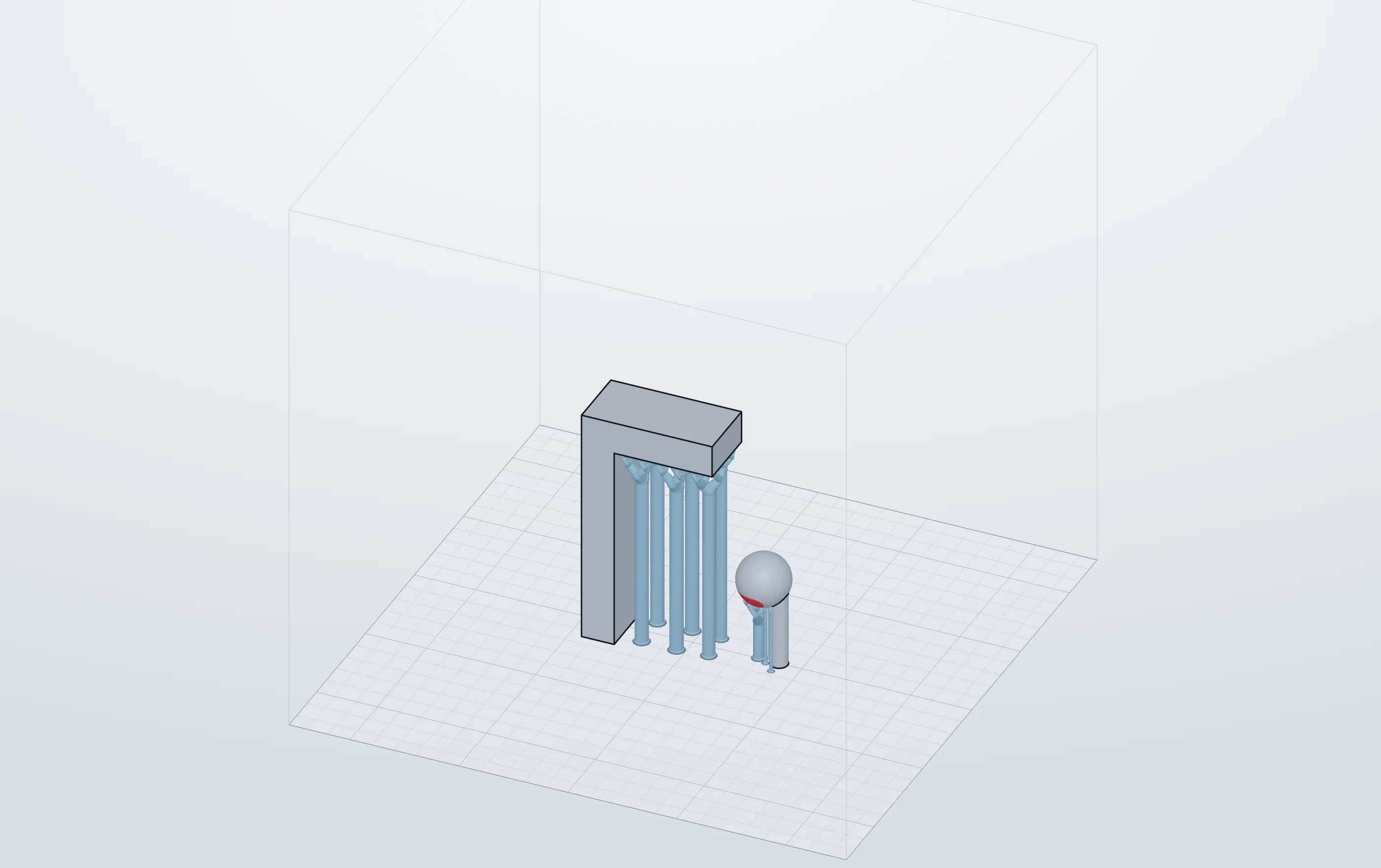
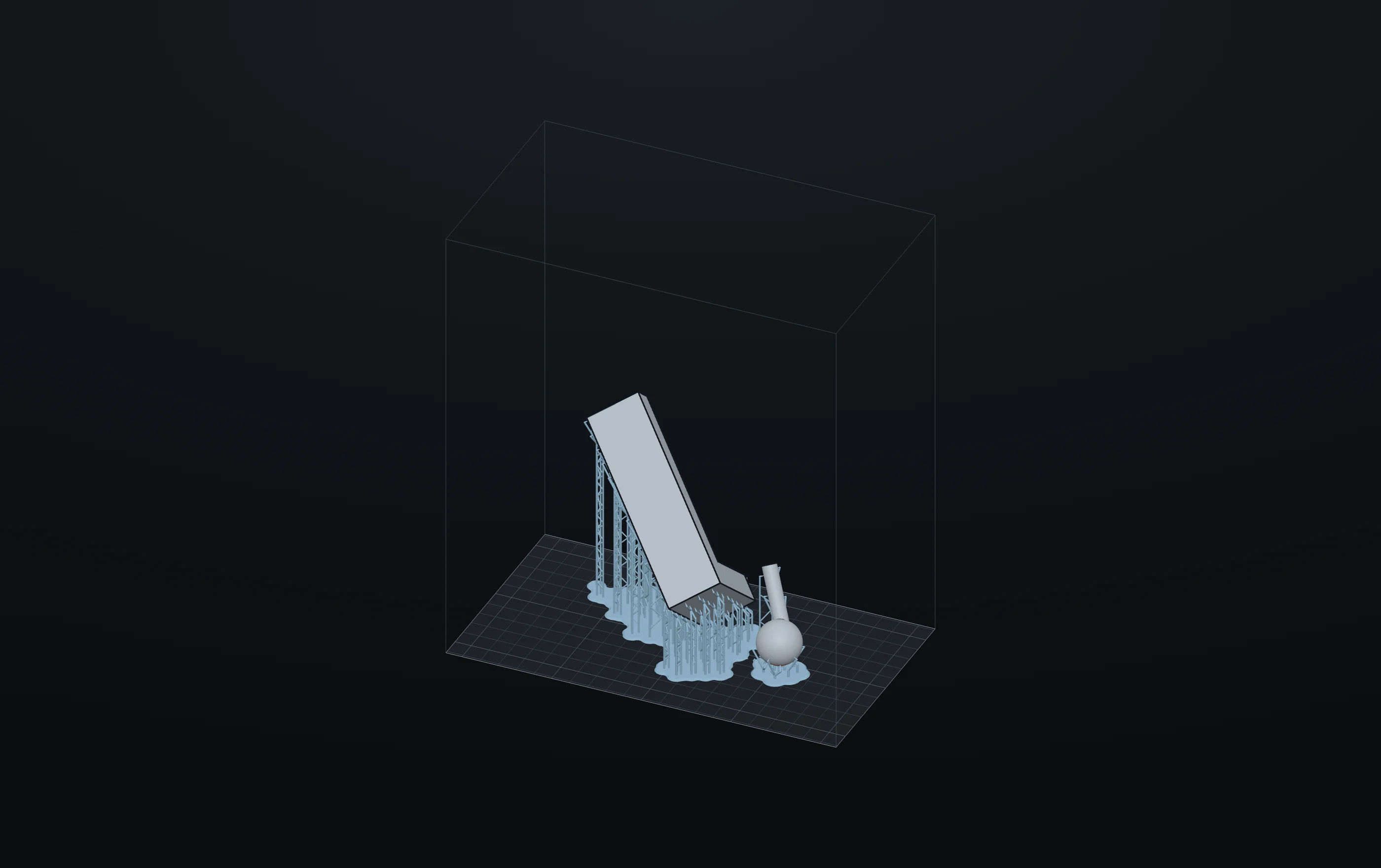
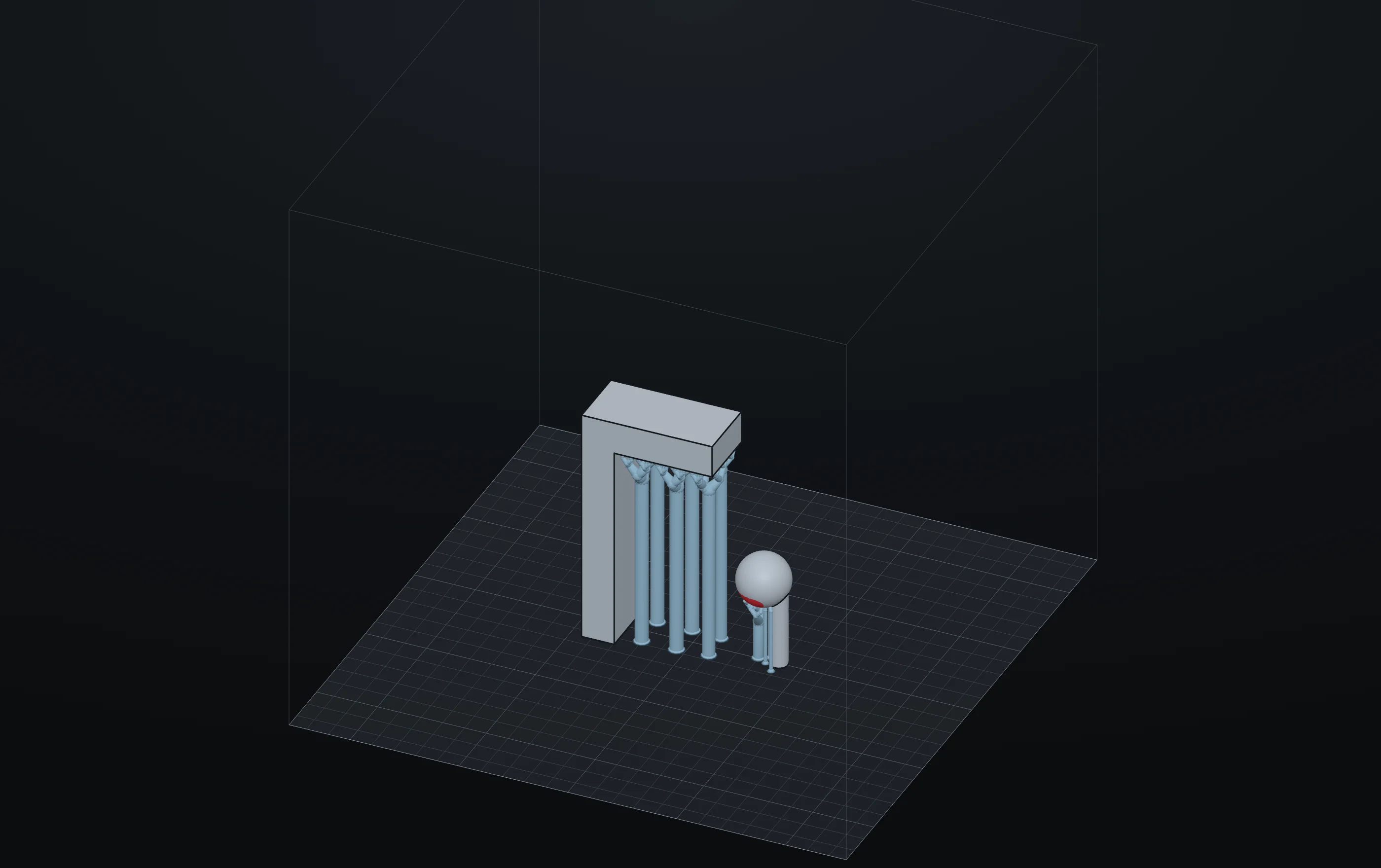
The supports are part of the project, so they follow the model when it changes. How supports work
These are the files that ship with the app and the files that its tests build. When the beta testers have NekoCAD, this page becomes what they made with it. Send us a part you are proud of and it goes up, with your name on it.